


YouTube Studio
4.337.14K Reviews
App Specs
- Version
- Varies with Device
- Updated On
- License
- Free
- Downloads
- 100,000,000+
- Developer
- Google LLC
- Categories
- Video Players & Editors
- Platform
- Android, iOS
Screenshots
 Analysis by AppCompare
I use YouTube Studio as a companion to the main YouTube app, not as a replacement for it. That distinction matters: this is a channel-management tool for checking performance, handling comments and making quick changes when I’m away from a computer. If I want to watch videos or build a polished edit, I reach for something else. If I want to see what is happening on my channel between errands, this is the app I open.
What feels quick—and what does not
For small, focused tasks, the mobile format makes sense. I can open the dashboard to check a recent upload, scan activity and move on without settling in at a desk. The appeal is less about doing every creator task on a phone and more about reducing the delay between noticing something and responding to it.
That convenience comes with a trade-off. Channel statistics are useful for a quick read, but a phone screen is not the best place to compare lots of information or investigate a complicated change in performance. I treat a mobile glance as a prompt for a question, not always as the final answer. If I need to study patterns carefully, I prefer a larger screen and more time.
Guides and Analysis on YouTube Studio
When activity gets busy
The app is most useful when several small jobs arrive together: a new video is drawing comments, I want to check how it is doing, and I need to correct a title or description. Keeping those tasks in one channel-focused app saves me from jumping between the regular YouTube viewing experience and a desktop browser for every minor action.
I also try not to react to every short-term movement in the numbers. A fast check can tell me whether a video is attracting attention, but it cannot replace considered judgement about why viewers responded as they did. My practical habit is to note an unexpected change, then review it later with more context rather than changing my whole plan based on one glance.
Reliability as a companion, not a workstation
YouTube Studio works best in my routine as a way to keep a channel within reach. I can handle a brief reply or check a video’s status while I have a spare moment, then leave longer planning and detailed review for when I can concentrate. That division of labor is more dependable than expecting a phone app to cover every part of publishing.
For a creator who posts regularly, the convenience can make channel upkeep feel less like a separate appointment. Still, I would not make the app my only place for important work. If a task needs careful editing, close comparison or a long stretch of attention, I would switch to a computer and use the mobile app for monitoring and quick follow-through.
Worth Reading Before You Choose

Ludo King Makes the Most of the Minutes Between Plans

Baby Panda World Brings Quick Play to Modern Phones, but Its Game Library Feels Busy

ESPN’s Live Game View Makes Following Close Games Easier

QuizzLand Review: A Good Fit for Short Trivia Breaks, Not Every Player

Basketball Stars: Multiplayer Is Fast, but Can It Recover When Matches Go Wrong?

WEBTOON Turns Phone Updates Into a Better Reading Routine
Device limits and a useful routine
On a small display, typing a thoughtful reply or rewriting a long description takes more care than it would with a keyboard. Notifications can also be helpful without being a reason to interrupt every activity: I prefer to check them when I have time to respond, rather than letting every update dictate my attention. That keeps the app useful instead of making channel management feel constant.
A realistic routine is to check the latest upload after publishing, answer a few comments during a break, and save deeper analysis for a calmer moment. I would recommend that approach to creators who want to stay responsive without turning every spare minute into a performance review. Someone who does not manage a YouTube channel, or who mainly wants to watch and edit videos, is unlikely to get much value from this particular tool.
A practical channel companion
YouTube Studio is a free app from Google LLC in the video players and editors category. It has a 4.4 average from around 2.2 million ratings, with over 100 million installs, and its age rating is Teen. It first appeared in June 2014. Those figures suggest it is widely used, but what matters to me is whether its focused set of channel tasks fits the way I work.
Analytics at Your Fingertips
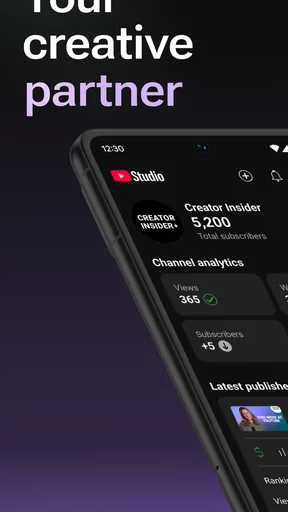
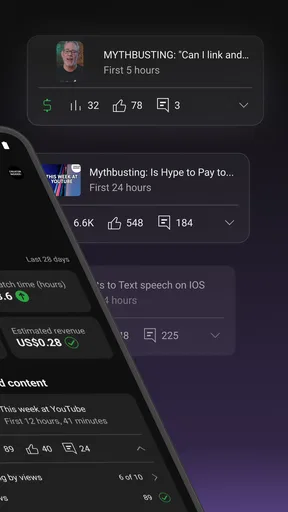
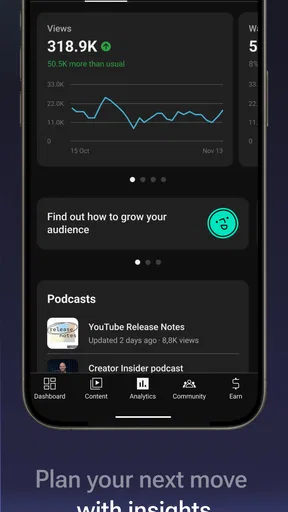
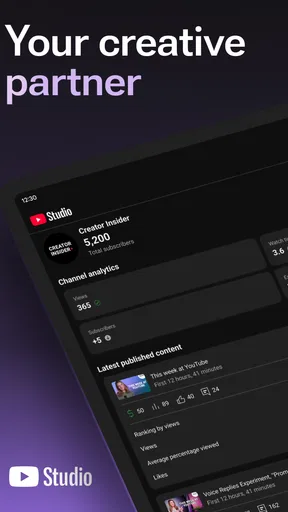
Let's talk numbers because, honestly, that's what we live by as creators. The analytics section is where the magic happens. It provides detailed insights into your channel's performance, including views, watch time, and subscriber changes. Plus, you can track how your latest video is performing compared to previous uploads. It's like having a personal guru whispering growth strategies in your ear!
Real-Time Updates
One of the standout features for me is the real-time updates. Imagine posting a video and being able to see the immediate impact on your stats. It's super motivating and helps you tweak your strategy on the fly. Whether you're experimenting with new content or sticking to what works, the app keeps you in the loop.
Engage with Your Audience
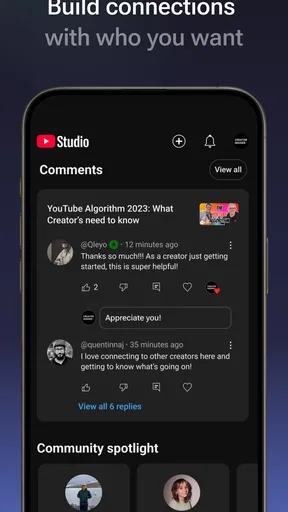
Another cool part is how easy it is to engage with your audience. The comments section is seamless, allowing you to reply swiftly and keep the conversation going. You know what they say, happy subscribers make a happy channel. I love how I can stay connected with my community even when I'm out grabbing a coffee.
Manage Content on the Go
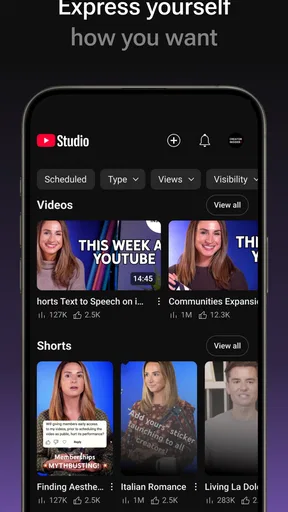
Managing your videos is a breeze with YouTube Studio. You can edit titles, descriptions, and even set your videos to private or public. It's like having a mini editing suite right in your hand. Sure, it's not a full-blown editing tool, but for quick fixes and updates, it's unbeatable.
Notifications: A Helpful Nudge
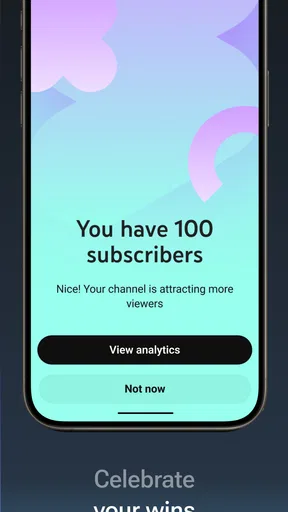
I'm guilty of sometimes forgetting to check my channel's status, but the app's notifications are a lifesaver. They keep me informed about important updates like comments or changes in my subscriber count. It's like having a virtual assistant giving you a friendly nudge.
When I compare it with the usual alternatives in this category, the distinction is clear: a video editor is for shaping footage, while the main YouTube app is for watching and browsing. This one is for the channel side of the job. I would not choose it to trim clips or make a finished video, and I would not expect a viewing app to offer the same focused channel overview. The best setup is often to use each tool for the task it handles well.
A small workflow tip is to use mobile edits for corrections that are easy to verify, such as fixing a typo or changing a title after checking the video. For a substantial rewrite, I draft the text elsewhere first so I can review it before saving. Likewise, I use a quick analytics check to spot what deserves attention, then avoid making a major content decision until I have looked at the broader context. These habits make the phone useful without asking it to do careful desktop work.
In day-to-day use, I would recommend it most to creators who need to keep up with comments and channel activity while away from their usual setup. It is less compelling for someone who uploads occasionally and rarely checks performance, and it is the wrong fit for viewers with no channel responsibilities. If you need a full editing workflow, use a dedicated editor; if you need detailed comparisons or extended planning, a computer is still the more comfortable choice.
In conclusion, YouTube Studio is a must-have for anyone serious about their YouTube channel. It's like your channel's best friend, keeping you updated, engaged, and informed. So, if you haven't yet, give it a whirl. Trust me, your channel will thank you!
Pros
- Intuitive interface for easy navigation.
- Real-time analytics for quick insights.
- Customizable dashboard for tailored views.
- Efficient comment management tools.
- Accessible on both Android and iOS.
Cons
- Limited video editing features.
- Requires internet for full functionality.
- Occasional sync issues with YouTube site.
- Push notifications can be overwhelming.
- Some features hidden in submenus.
FAQs for YouTube Studio
What is YouTube Studio and what can it do for creators?
YouTube Studio is an essential tool for content creators on YouTube. It allows users to manage their channels, edit videos, track analytics, and engage with their audience. With features like real-time analytics, comment management, and video editing tools, it helps creators optimize their content and grow their channel effectively.
How user-friendly is the YouTube Studio app for beginners?
The YouTube Studio app is designed with user-friendliness in mind, offering an intuitive interface that makes it accessible for beginners. It provides a straightforward layout with easy navigation between analytics, video management, and engagement tools. Tutorials and support are also available to help new users get the most out of the app.
Are there any costs associated with using YouTube Studio?
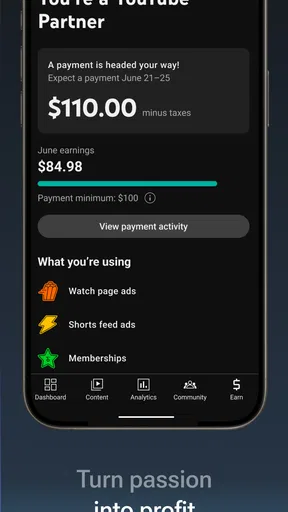
YouTube Studio is completely free to use for all YouTube creators. There are no hidden costs or subscription fees. However, users should be aware that monetization options within YouTube, such as ads and memberships, may involve revenue sharing with the platform according to YouTube's terms.
What types of analytics can I track with YouTube Studio?
YouTube Studio provides comprehensive analytics, including real-time views, subscriber growth, and watch time. It also offers detailed insights into audience demographics, traffic sources, and revenue statistics. This data helps creators understand audience behavior and optimize their content strategy effectively.
Does YouTube Studio work on both Android and iOS devices?
Yes, YouTube Studio is available on both Android and iOS devices, ensuring creators can manage their channels on the go. The app's functionality is consistent across both platforms, allowing users to access analytics, respond to comments, and upload videos regardless of their device.


